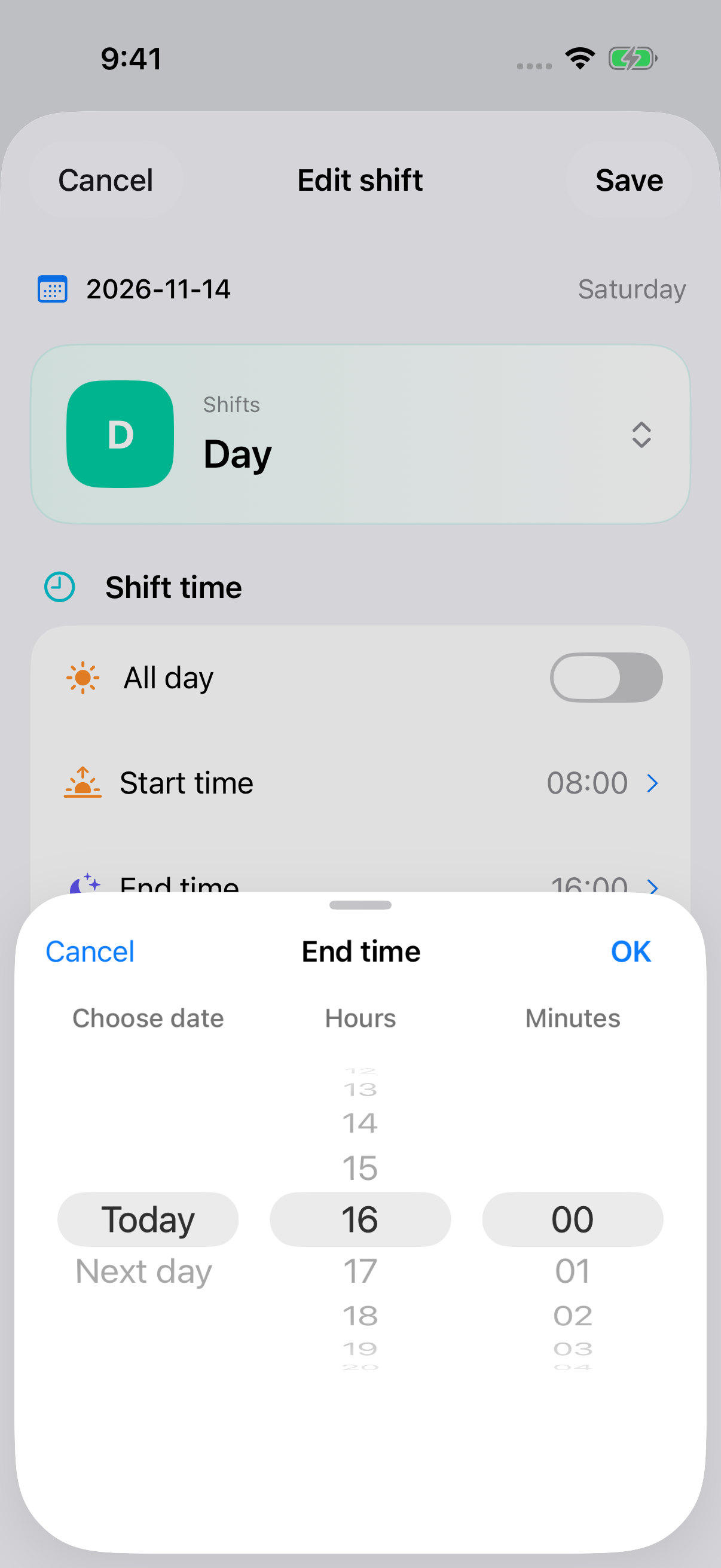
How do I change the start or end time for a single day?
You can adjust the start and end times for a shift on a specific date. The shift’s default times will stay the same.
Select the date in the calendar, then tap the shift you want to change below the calendar. Tap [Start time] or [End time], set the actual time, and tap [OK]. Then tap [Save] in the top-right corner. If the shift ends the next day, select [Next day] when setting the end time.