How do I correct a rotation with the wrong settings?
-
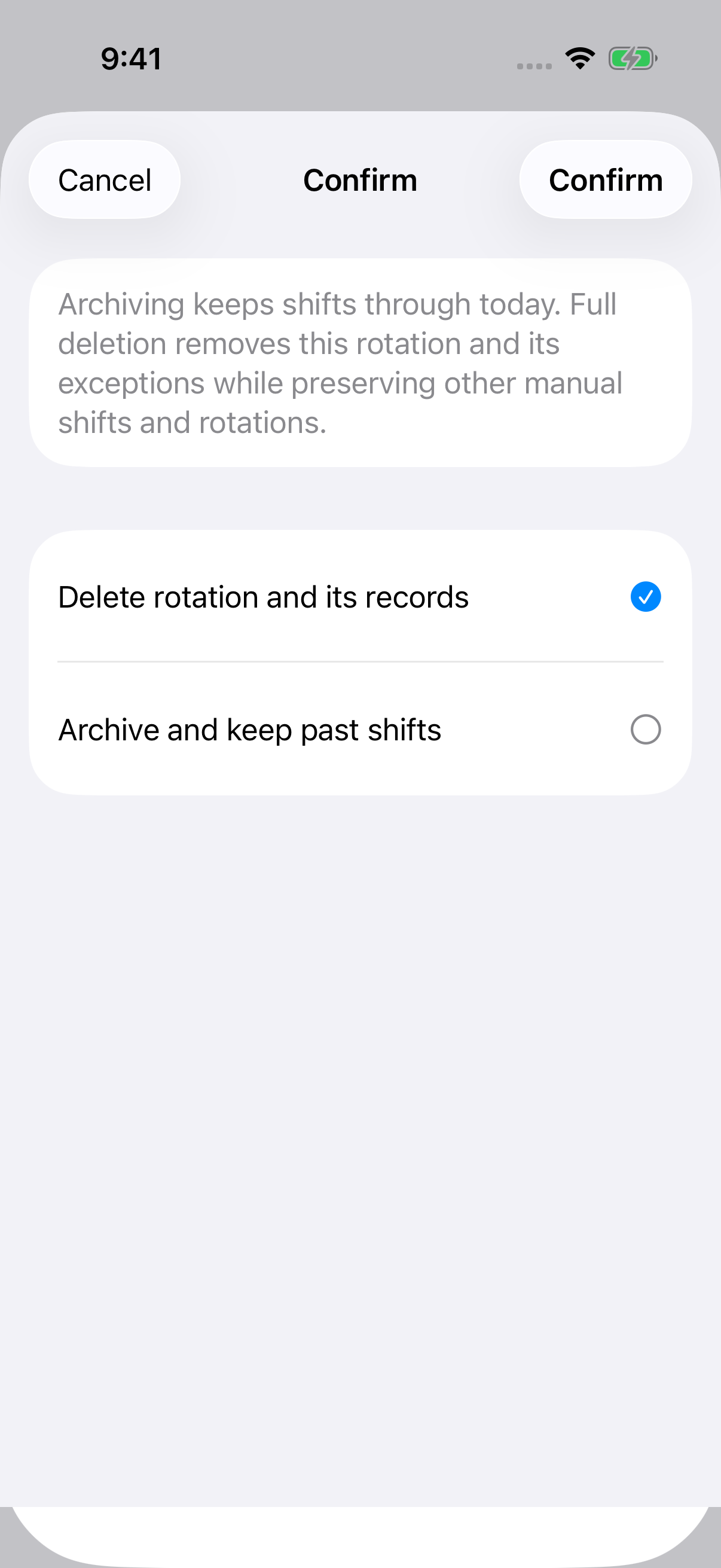
Open [My] > [Templates] > [Rotations]. Tap the delete icon in the top-right corner, then select the rotation you want to remove. On the confirmation screen, select [Delete rotation and its records] and tap [Confirm]. This deletes the rotation, all shifts it generated, and any adjustments linked to it. Other manual shifts and rotations are kept.
-
Create a new rotation with the correct settings.