How to setup the widget?
Widget only supports iOS 14 and above devices.
-
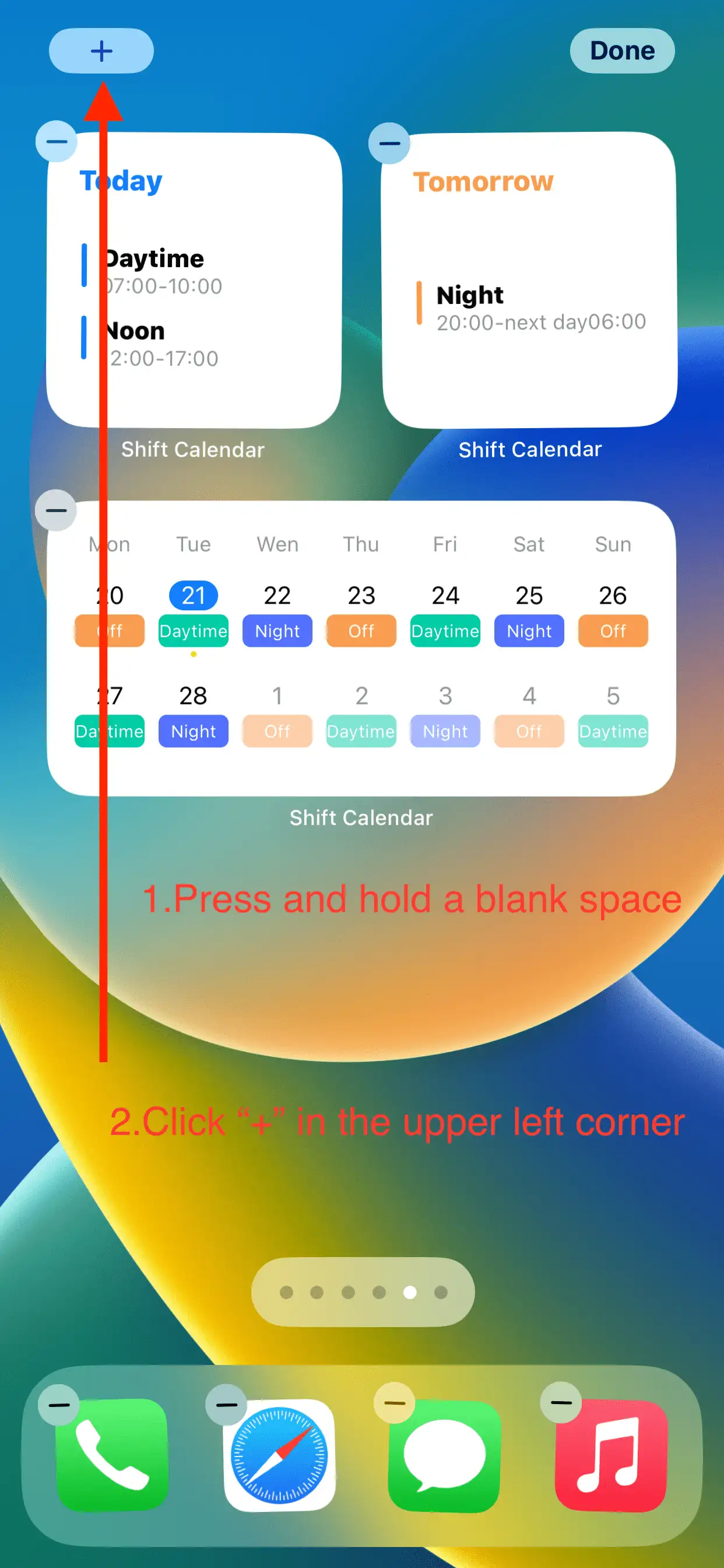
Press and hold a blank space on the phone desktop, and click the “+” that appears in the upper left corner.
-
Find this app in the list by following 2 methods.
-
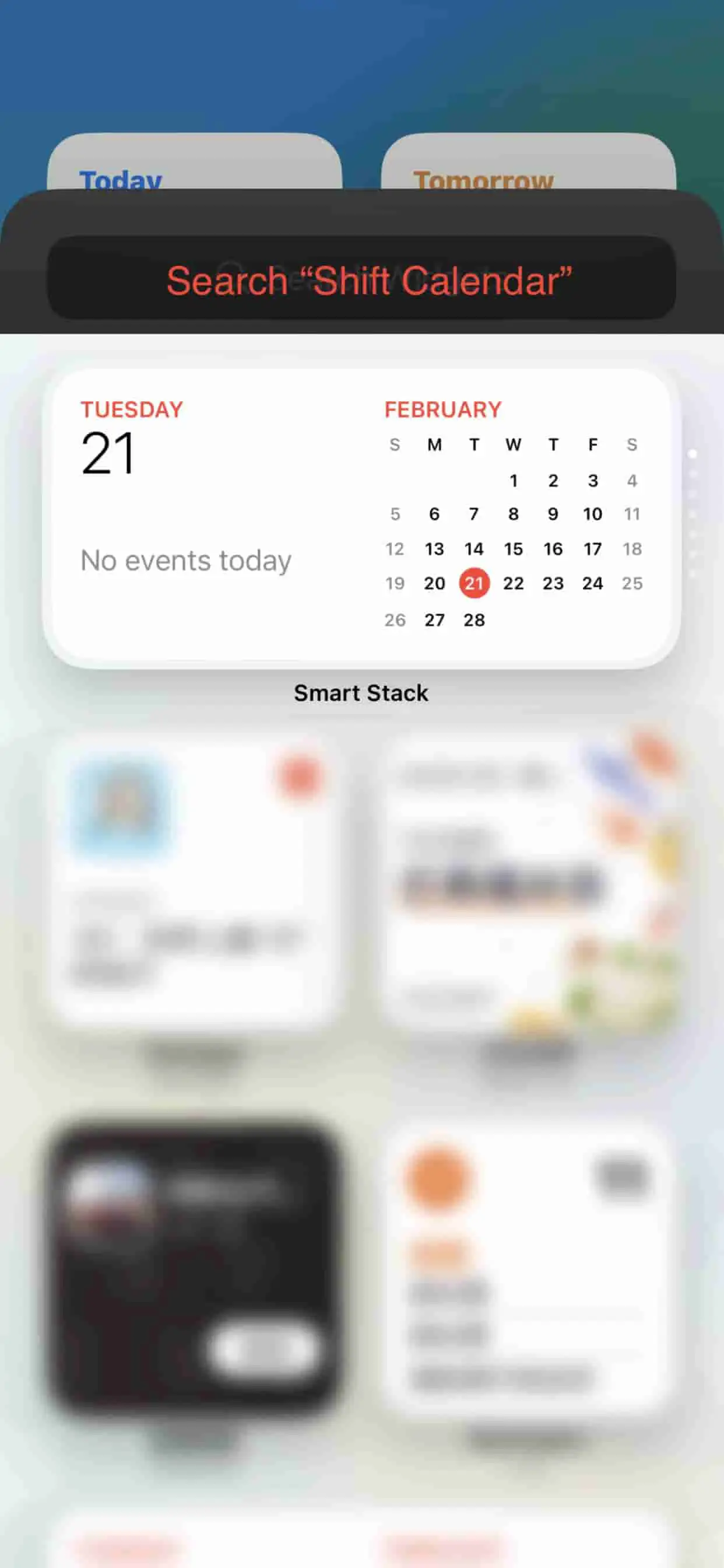
Find by search box
-
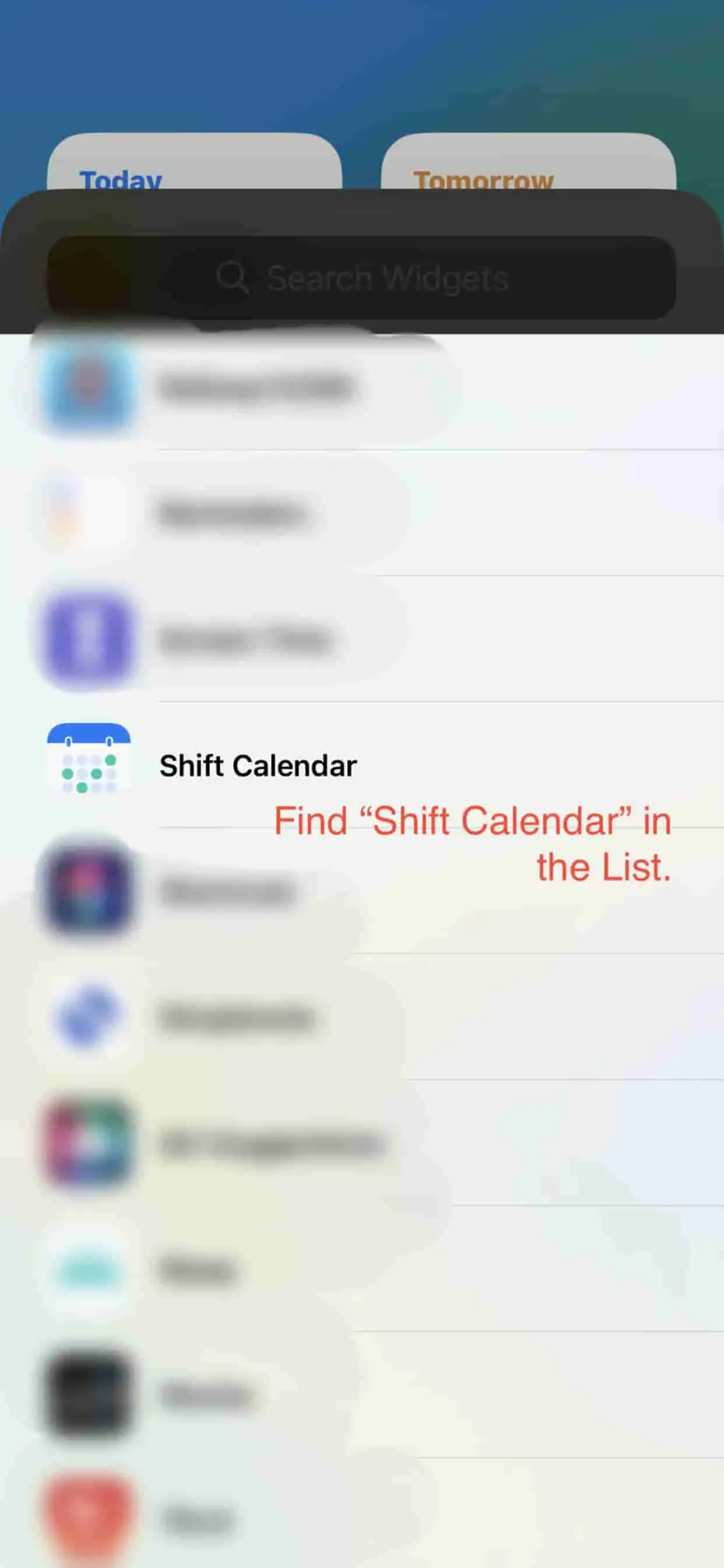
Search directly through the list
-
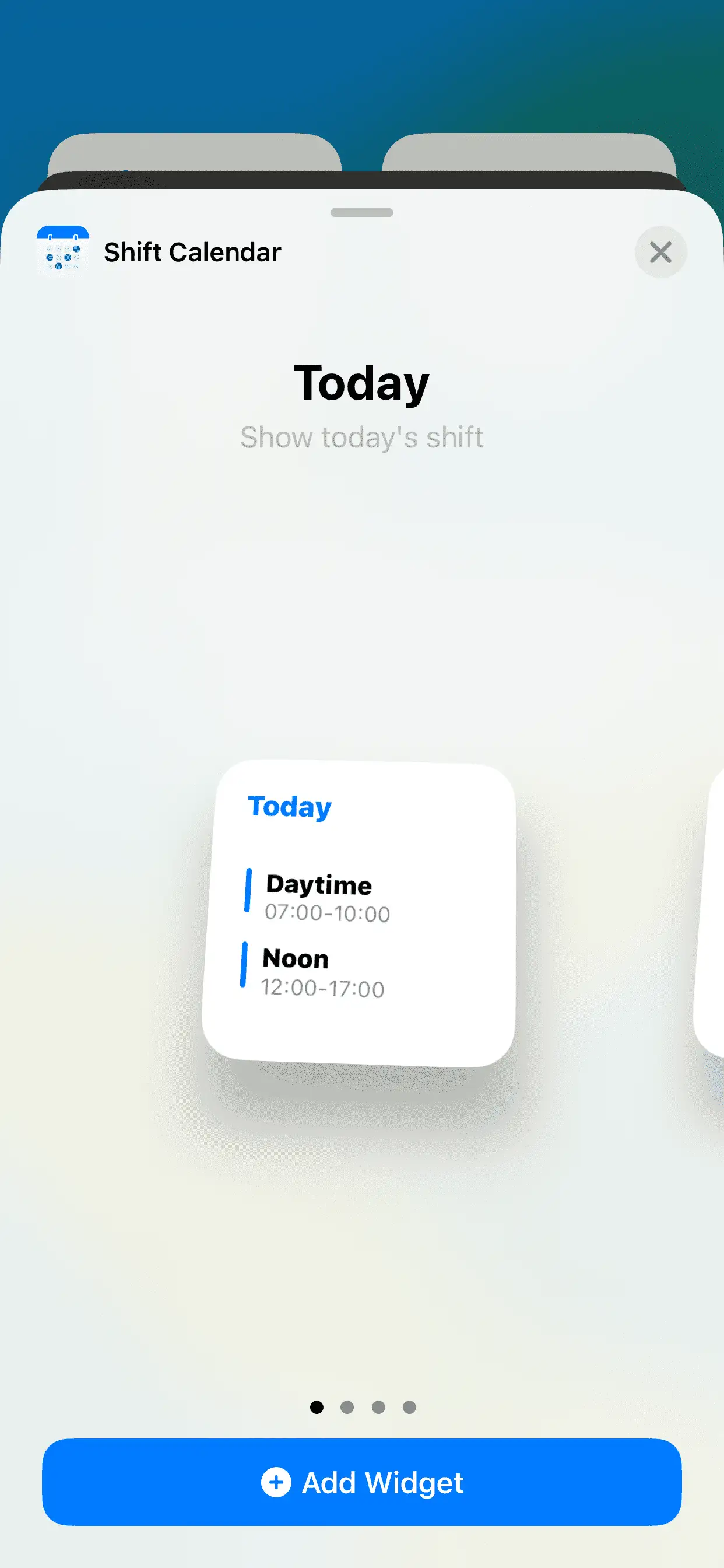
Choose the widget
Depending on your needs, choose the appropriate widget.
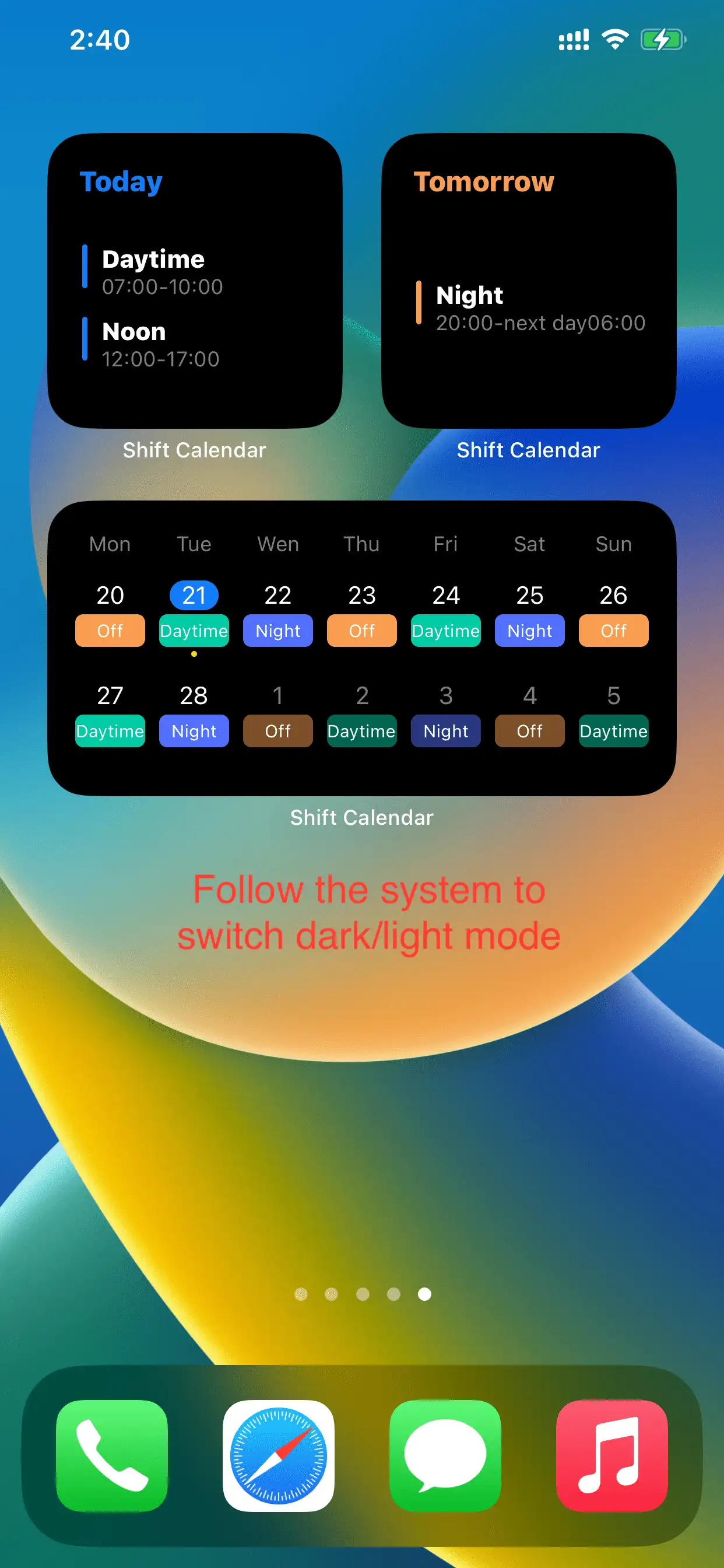
We currently offer [Today/Tomorrow shift],[Weekly view],[Monthly view]
-
Toggles Dark Mode
The widget will follow the system mode and switch the light/dark component style
More widgets will be launched in the future, thanks.